
If the sound automatically changes when switching channels in STB Emulator Pro (for example volume set to 11 drops to 5 or 6), the issue is usually not related to the Diablo server but to an internal app setting.
Even if it seems MAC-related (stable with your MAC, unstable with the client’s MAC), the real cause is the internal volume handling of STB Emulator.
✅ Solution:
- Open STB Emulator Pro.
- Go to Settings.
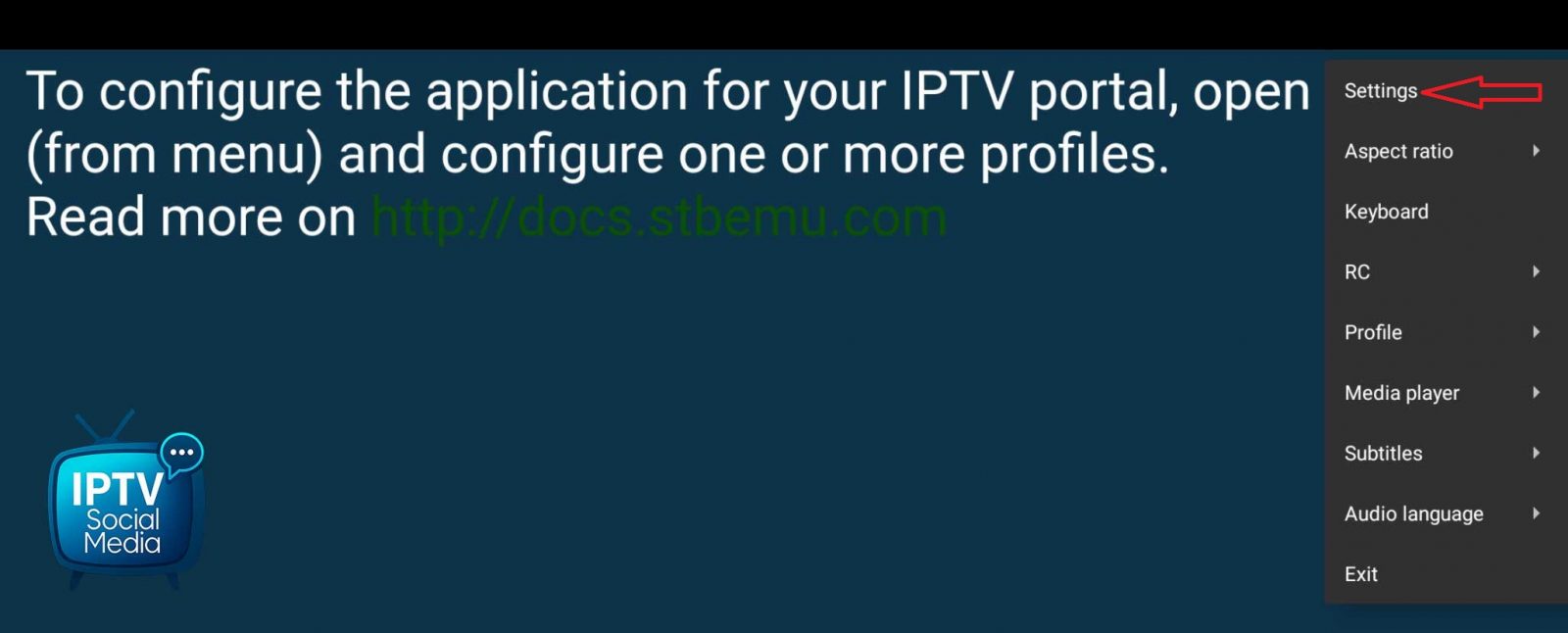 Click the image to enlarge
 - Enter the Volume control section.
- Enable “Always use system volume level”.
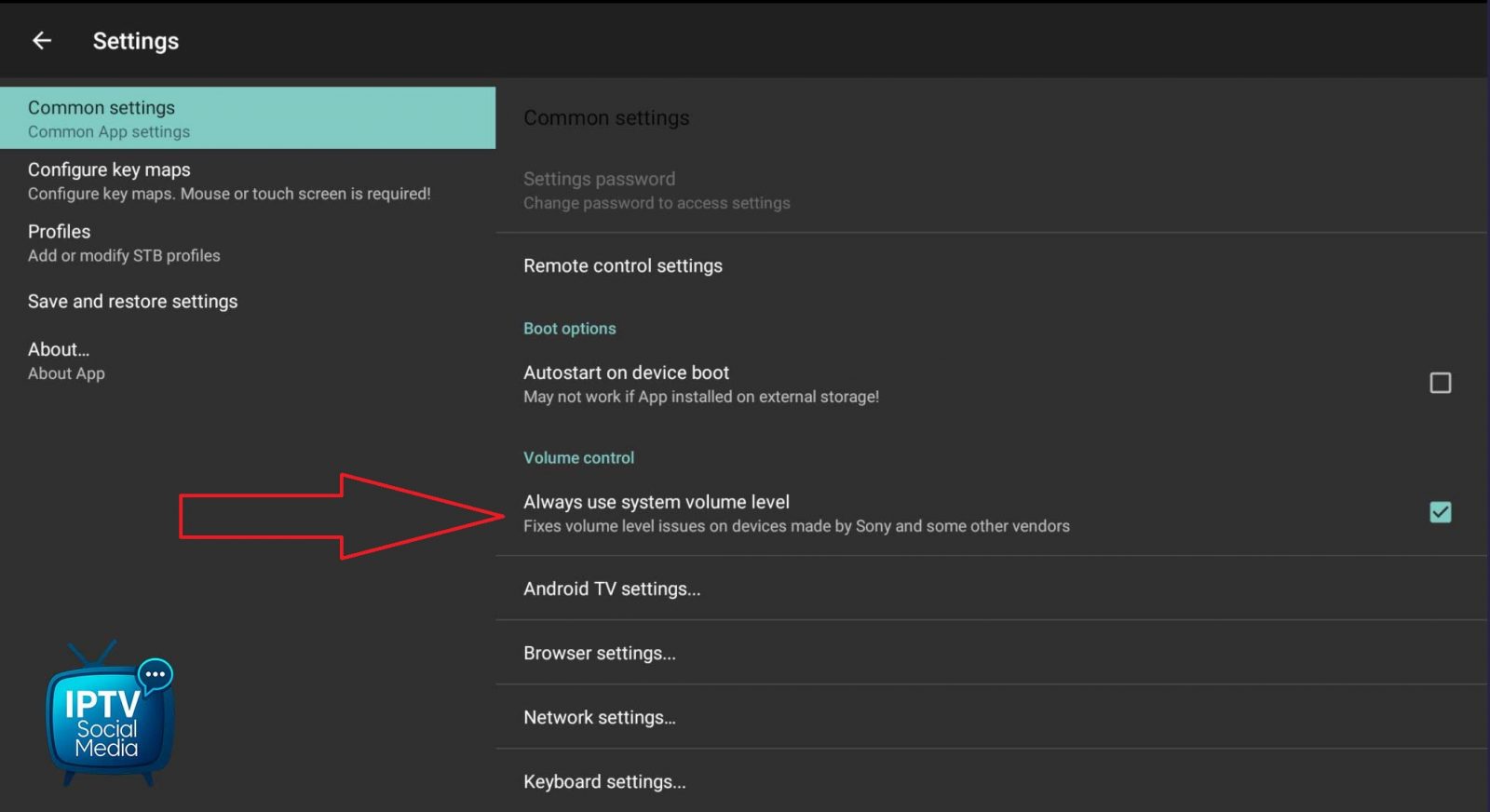 Click the image to enlarge
Once enabled, the volume will remain stable when switching channels.
This issue took several days of testing to identify, but the fix is simple once you know it.